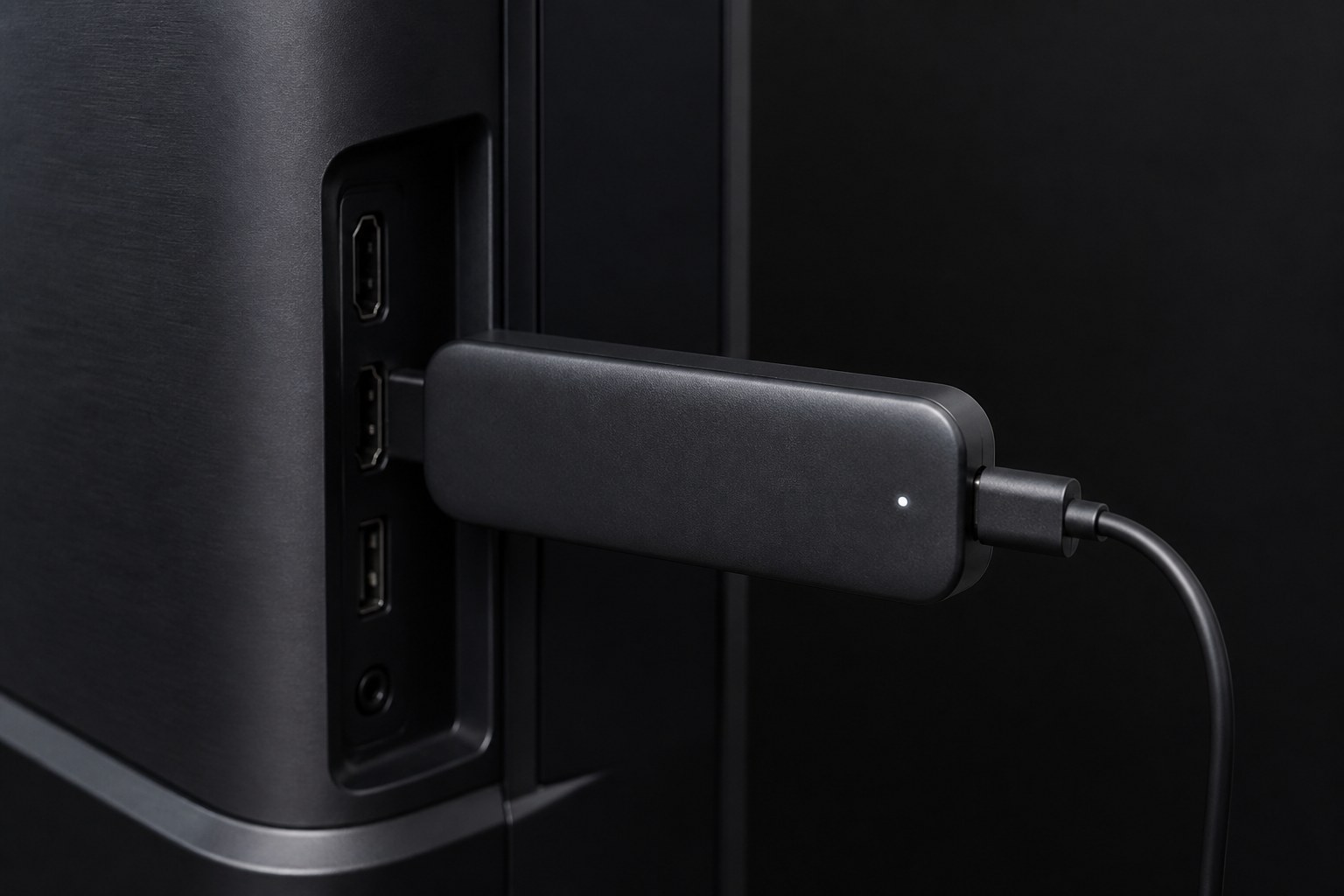
Starter
Get your device set up fast
$19.99one-time
- Device Setup Master Guide
- Quick Reference Sheets
- Print-ready PDF
- Email support
- Full 5-guide vault
- Video walkthroughs
- Lifetime updates
Five in-depth guides that walk you through device setup, media apps, networking, and fixes—so you never waste an evening on hold with support.
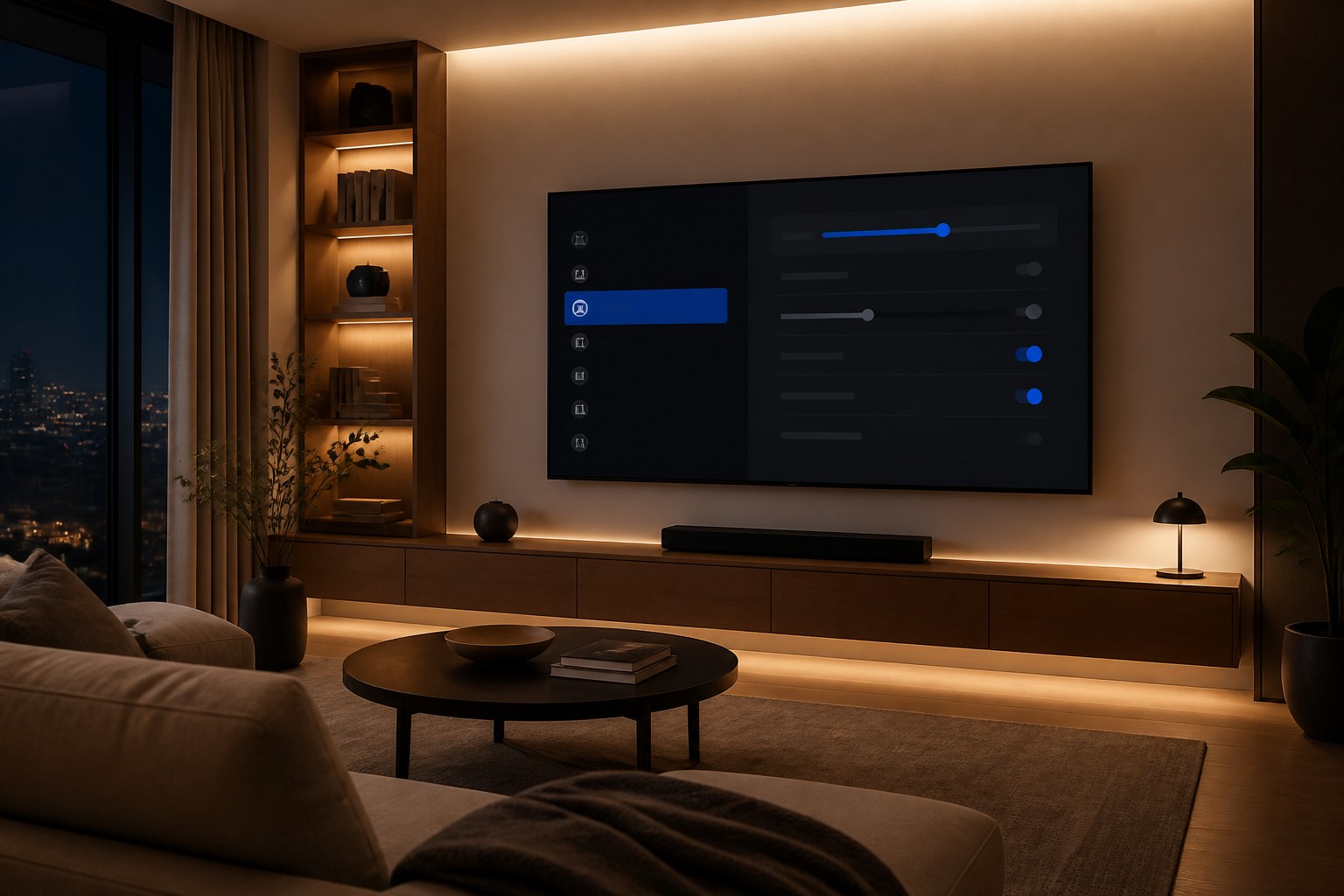
Compatible devices
Four tiers. One-time payment. No subscription.
Get your device set up fast
The complete guide library
Guides + video walkthroughs
Everything, forever
Not a single PDF—a complete reference library you keep forever.
First boot to finished: Fire Stick, Android TV, Samsung, LG, Roku and Apple TV. Every setting that matters, explained in plain language with step-by-step paths.
Install players, enter credentials, configure EPG, favorites and external players.
Symptom-based decision trees for buffering, auth failures, black screens and audio sync.
Wi‑Fi optimization, DNS, QoS and speed targets.
Printable cheat sheets and master checklists—keep one next to the TV.
Pay once, receive a ZIP with all five guides to your email within minutes.
Open in any browser and save as PDF, or follow on your phone while you work on the TV.
Lifetime access with no recurring fees. Yours to reference whenever you add a new device.
Clear product description for customers and payment review — education only, no streaming service.
Straight answers for customers and payment review: Setup Vault is an educational digital download only — not IPTV, not a streaming subscription, and not a source of TV logins.
A digital ZIP download of Setup Vault educational content. Plans include HTML setup guides (open in a browser or Print → Save as PDF), images, and—on Pro/Ultimate—offline video lesson files. You receive the files by email after payment. There is no app store install and no ongoing service to manage.
No. Setup Vault does not sell TV channels, movies, sports packages, playlists, or account logins. It does not provide access to any live or on-demand content. It is written documentation that teaches how to configure Smart TVs and streaming devices you already own.
No credentials are included. If a guide mentions media player apps, it only explains configuration steps. Any playlist URL, portal login, or subscription must come from a separate provider you choose independently. We do not sell or supply those.
No recurring billing. You choose a one-time plan (Starter, Standard, Pro, or Ultimate), pay once, and keep the files you download. Ultimate includes lifetime content updates to the same product line when new guides are published on this site.
Home users setting up Amazon Fire TV / Fire Stick, Google TV / Android TV boxes, Samsung, LG, Roku, or Apple TV who want clear setup, network, and troubleshooting instructions in one place—instead of scattered YouTube videos.
After successful checkout you receive an email with your ZIP download. Files open offline on phone, tablet, or computer. Support for download or guide questions: [email protected].
30-day money-back guarantee if the digital product is not as described. Full details: refund policy.
Educational digital download · one-time payment · no TV channels or logins
View plansSecure checkout via Mundpay · [email protected]