Chrome → Print → Save as PDF (enable Background graphics).
Setup VaultMedia Player Configuration
Smarters, TiviMate & OTT Navigator — install, login, EPG & optimization
Edition 2026 · [email protected]
Media Player Configuration
Contents
- Choosing a player
- IPTV Smarters Pro
- TiviMate
- OTT Navigator
- Playlists & logins
- EPG & catch-up
- Profiles & parental controls
- External players
 Media player apps on a streaming device — configure once, use everywhere
1. Choosing a player
| Player | Platform | Best for |
|---|
| IPTV Smarters Pro | Fire TV, Android, iOS | Beginners; multi-playlist |
| TiviMate | Android TV / Fire TV | Best EPG UI; favorites |
| OTT Navigator | Android | Advanced filtering |
| GSE Smart IPTV | iOS / Apple TV | Apple ecosystem |
| VLC | All platforms | Codec fallback |
Note: Obtain playlist URLs or login credentials from your service provider. This guide covers configuration only.
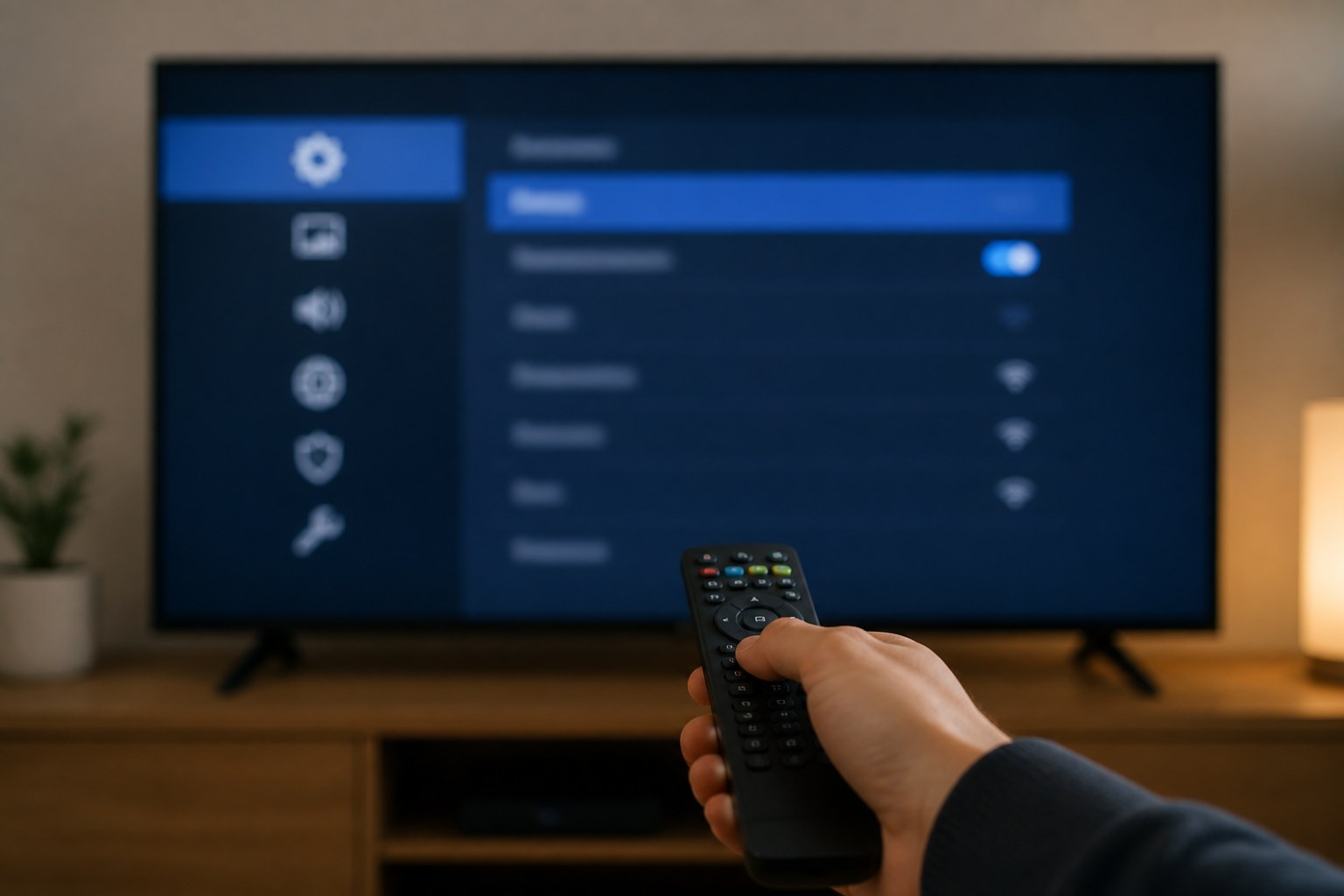 Player settings control buffer, format, and EPG behavior
2. IPTV Smarters Pro — full setup
Installation
- Amazon Appstore: search "IPTV Smarters Pro" (or sideload via Downloader from official site).
- Android TV: Play Store or official APK.
- Open → Accept terms → Choose login method.
Login methods
| Method | Fields | When to use |
|---|
| M3U URL | http://…get.php?… link | Provider sent playlist URL |
| Xtream Codes | Server URL, username, password | Portal + credentials |
| Stalker Portal | Portal URL + MAC | MAG-style portals |
- Enter details exactly (watch trailing slashes on server URL).
- Wait for "Downloading playlist" — 30–120 seconds on large lists.
- Settings → Player → ExoPlayer first; VLC if sync issues.
- Settings → EPG → enable if provider supplies EPG.
- Settings → Time Format → your preference.
- Settings → Stream Format → MPEG-TS default; HLS if buffering.
3. TiviMate — advanced setup
- Install via Downloader using code from tivimate.com.
- Playlists → + → Xtream Codes or M3U URL.
- Assign EPG source matching playlist name.
- Settings → Playback → Buffer: Medium (stable Wi‑Fi) or Large (weak signal).
- Settings → General → Default source on startup.
- Long-press channel → Add to Favorites for quick access.
- Premium: recording, catch-up, multi-view (optional).
4. OTT Navigator & alternatives
- Install from Play Store or official APK.
- Providers → + → enter playlist URL or portal.
- Settings → Player → hardware acceleration ON.
- Settings → EPG → assign XMLTV URL from provider.
- Use Groups to organize channels by category.
5. Playlists & logins — troubleshooting
| Problem | Fix |
|---|
| Authentication failed | Re-type password; check caps; verify account active |
| Playlist empty | Wrong URL format; contact provider |
| Channels load but won't play | Switch player; try HLS format |
| Expired credentials | Renew with provider; update in app |
6. EPG & catch-up
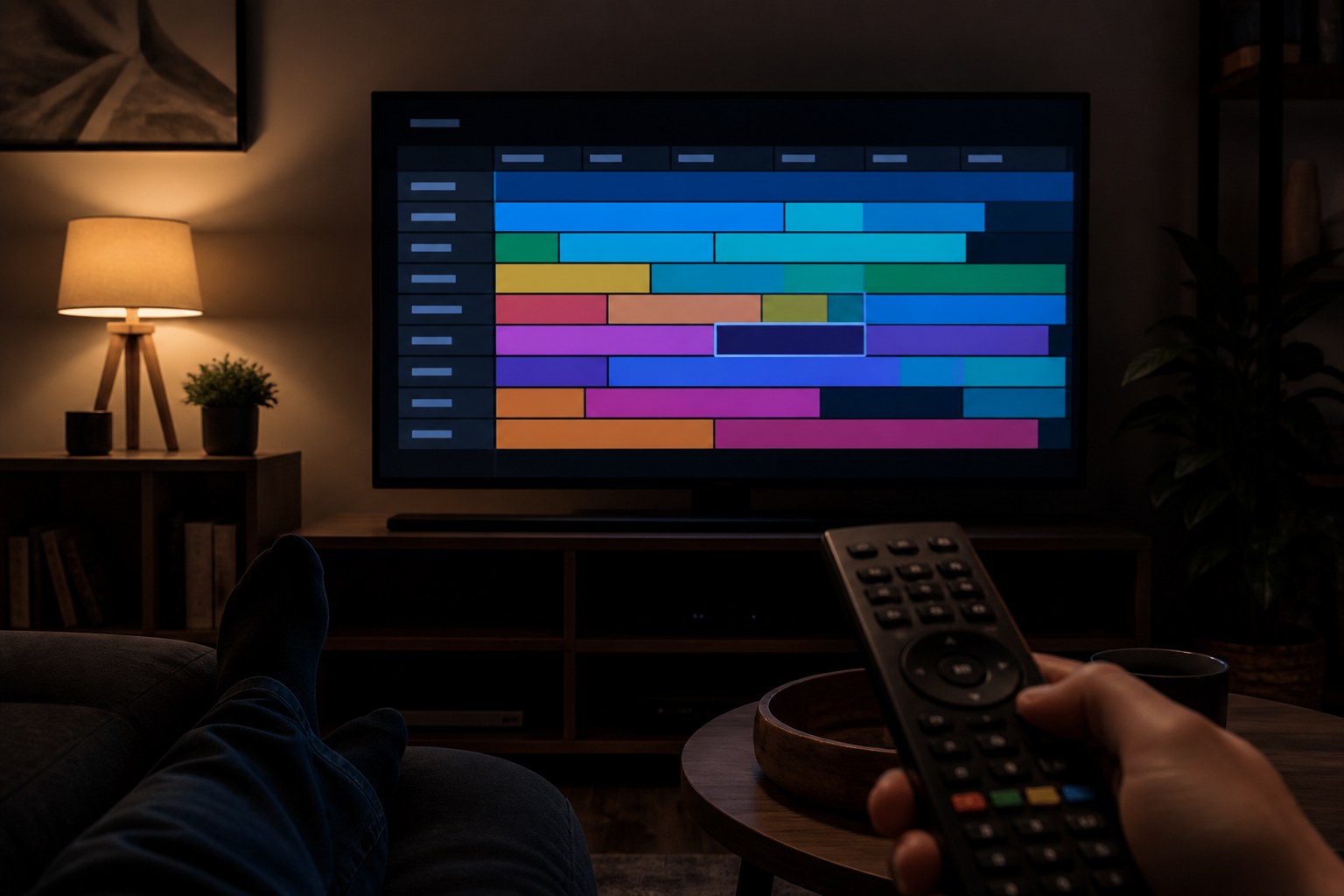 EPG guide grid helps browse what is on now and next
- EPG: Electronic Program Guide shows what's on now and next.
- Usually auto-loaded with Xtream; separate XMLTV URL for M3U.
- EPG offset: if times wrong, adjust timezone in player settings (+/- hours).
- Catch-up: Available only if provider enables it; look for clock icon on channels.
7. Profiles & parental controls
- Smarters: Settings → Parental Control → set PIN → hide adult groups.
- TiviMate: Settings → Parental controls → PIN for blocked groups.
- Create separate playlists per family member if provider allows multiple connections.
8. External players
Route streams through VLC or MX Player when built-in player struggles with codecs:
- Install VLC from store.
- In IPTV app: Settings → External Player → select VLC.
- Some apps require "Play with external player" per channel.